Cloud & Seqera
TaxTriage can be run on AWS cloud infrastructure using Nextflow Tower / Seqera. This page covers setup, launching jobs, uploading data, and monitoring runs.
⚠️ Be aware of data sensitivity and compliance requirements before uploading sequencing data to cloud storage.
Setup
Step 1: Create a Seqera Account
- Create an account at cloud.tower.nf
- Full documentation: help.tower.nf
Step 2: Request Access (JHU/APL Seqera Instance)
Send a request to brian.merritt@jhuapl.edu - you will receive credentials for the S3 buckets and the compute environment.
⚠️ If you are part of the internal development program, you can use the shared JHU/APL Seqera instance and stop here. Just wait on a confirmation email from JHU/APL devs. Otherwise, you will need to set up your own Seqera account and compute environment in the next step.
Step 3: Set Up a Compute Environment
If using the JHU/APL-provided Seqera instance, the compute environment is pre-configured. For your own Seqera account, follow the official compute environment docs to connect your AWS account and configure billing.
⚠️ Ensure the compute environment matches the credentials you configured - mismatches cause job failures.
Accessing the Launchpad
1. Select Your Organization
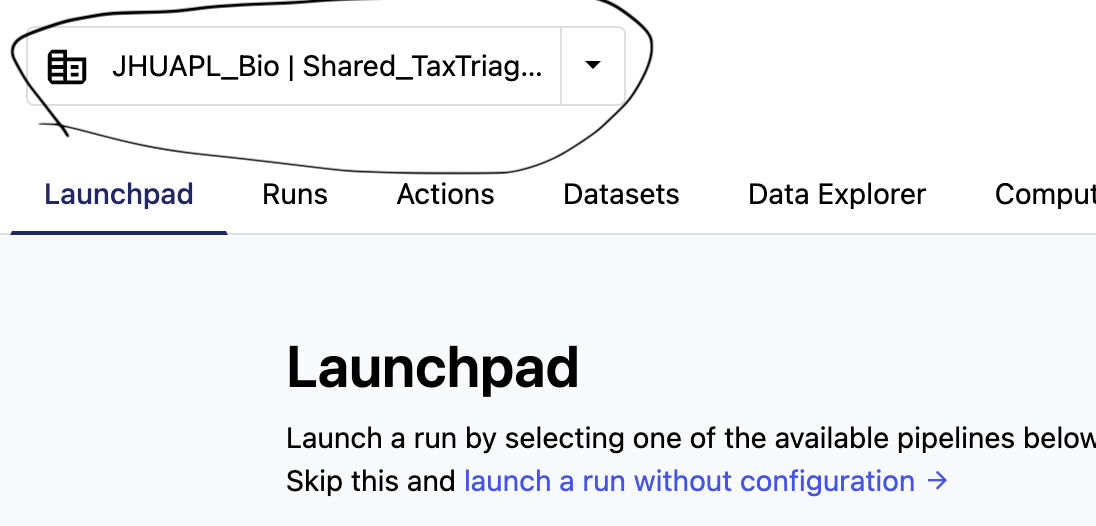
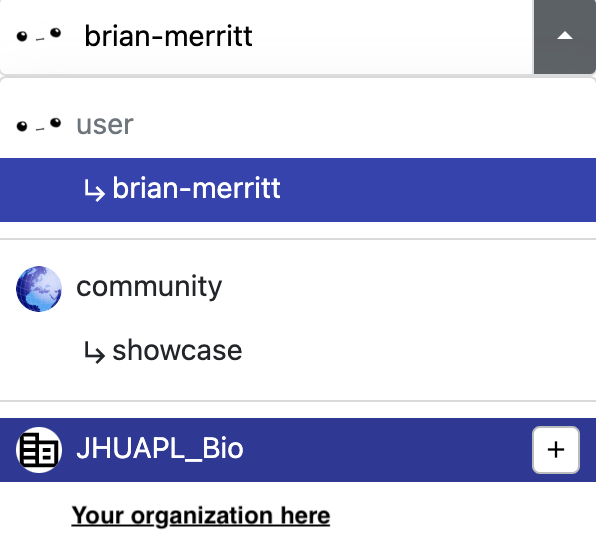
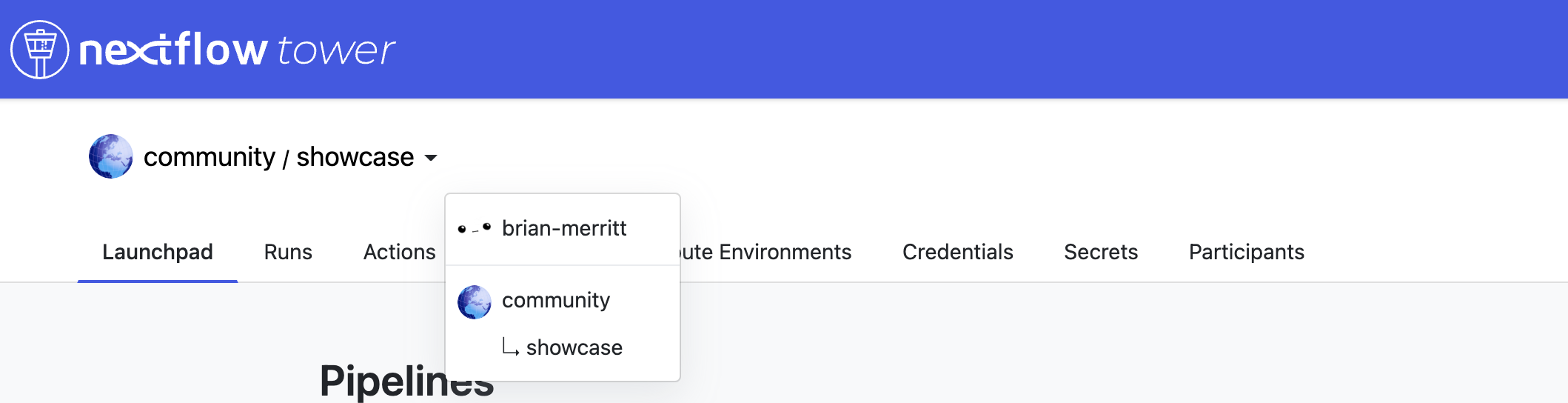
Click the dropdown near the top-left of Seqera and select your organization name. A "Shared" workspace is also available for all users of the TASS program.
2. Navigate to TaxTriage
On the JHU/APL instance, the pipeline is listed as TASS. It comes pre-loaded with default parameters for a quick test launch.
Adding a Pipeline
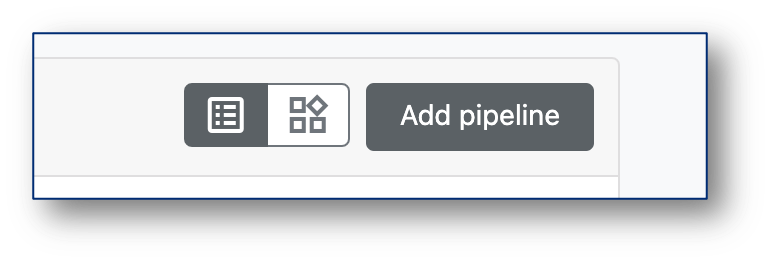
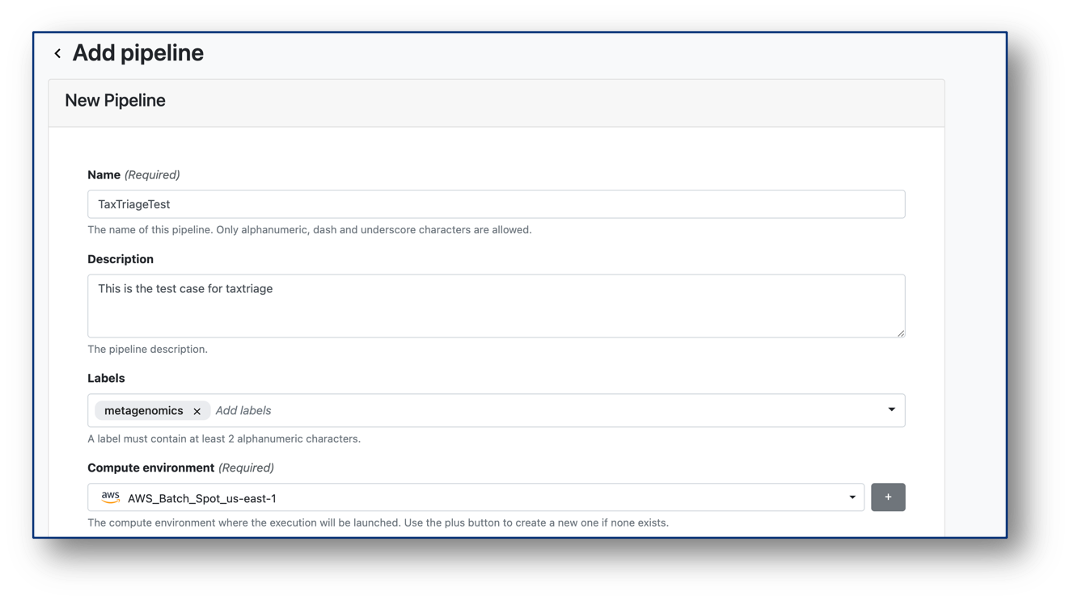
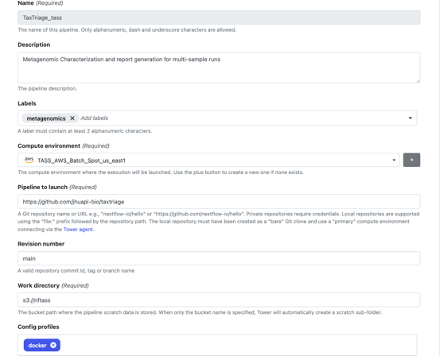
If you need to add TaxTriage to your own Seqera launchpad:

Launching a Job
Configure Parameters
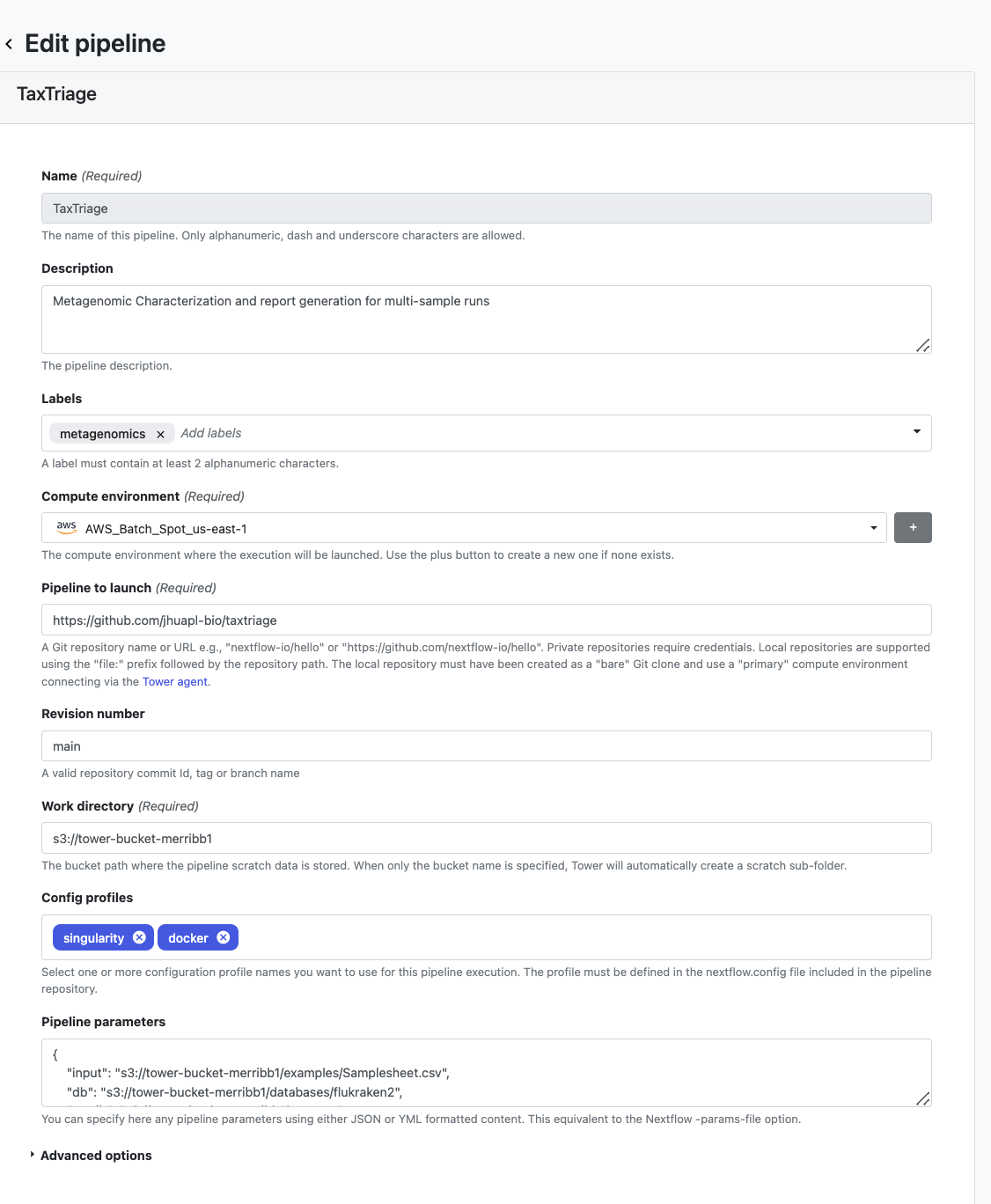
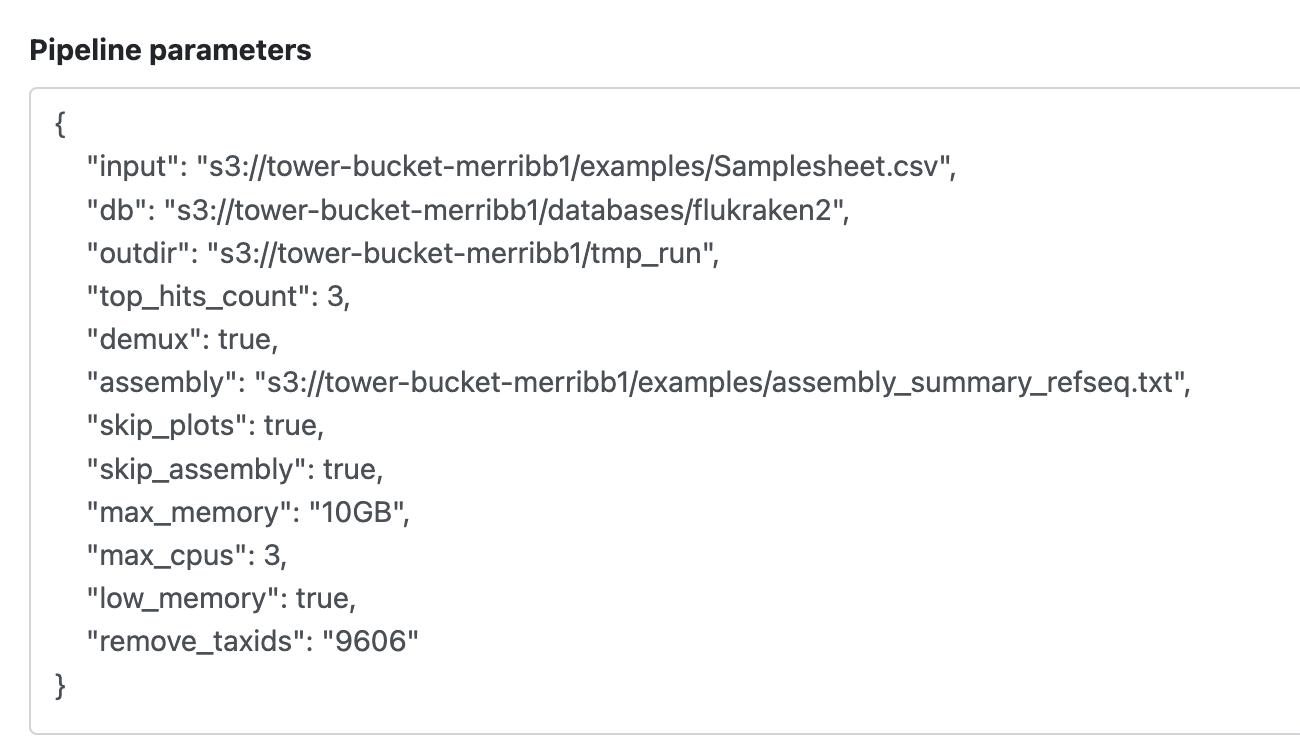
Expand the pipeline parameters in the launch interface. All parameters match the CLI Parameters reference. For your own data, update all paths to point to your S3 bucket locations.
Launch Options
Option A - Direct Launch: Click Launch to start immediately. You will be redirected to the running job list.
Option B - Launch Settings: Click Launch Settings to review the full JSON parameter set, change the Git branch, and customize the environment before submitting.
Video Walkthroughs
Launching from the Launchpad
The video below shows the default launchpad with pre-loaded inputs. Edit parameters as needed, then click Launch.
Using Launch Settings
This video shows using Launch Settings to review the full parameter JSON, change the branch, and configure the environment before submitting.
Monitoring a Running Job
This video shows how to monitor module-level progress, view the Execution Log, and inspect individual step commands and outputs.
Uploading Data to S3
All file paths in your samplesheet should be relative to your S3 bucket root. Full s3://bucketname/... URLs are not required inside samplesheet fields.
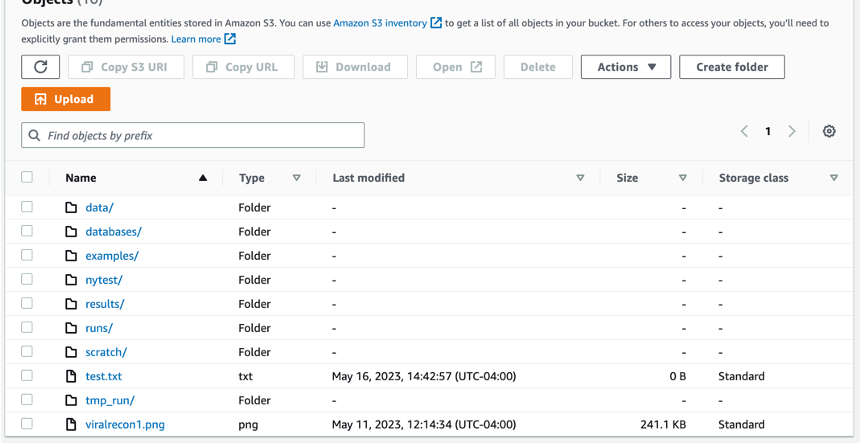
Setup example:
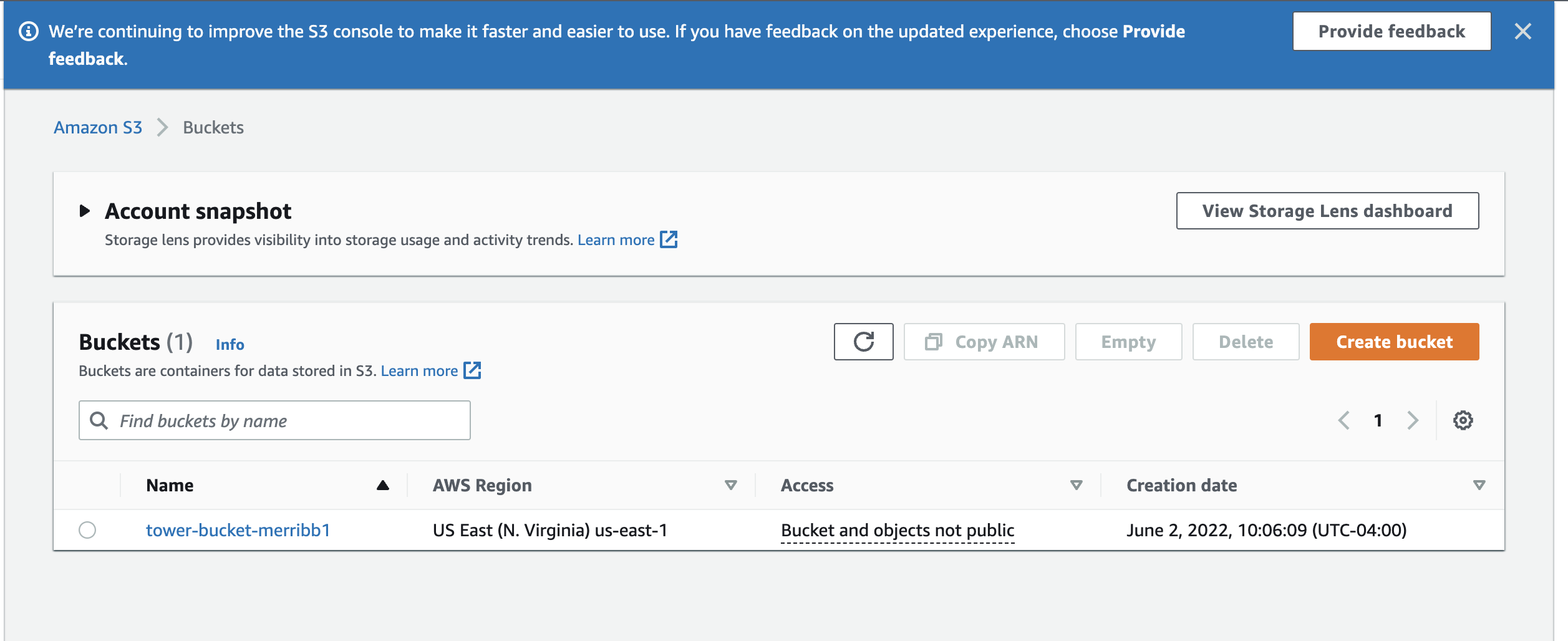
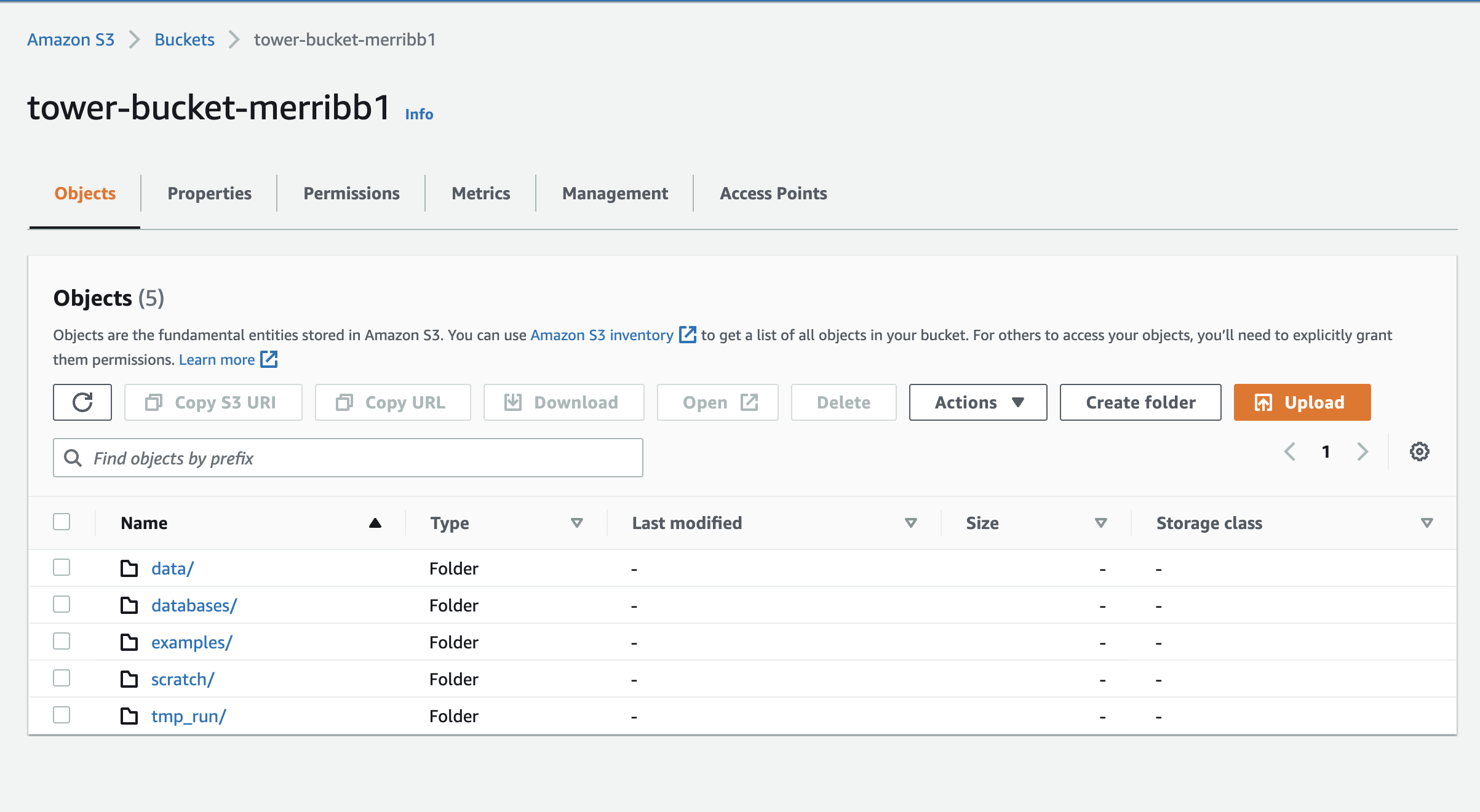
The example above shows an S3 bucket configured with the necessary permissions for Nextflow Tower. The directory mirrors the test data in the examples/ folder of the repository.
Example samplesheet with S3-relative paths:
sample,platform,fastq_1,fastq_2,type
Sample_A,ILLUMINA,data/Sample_A_R1.fastq.gz,data/Sample_A_R2.fastq.gz,blood
IAM Permissions
Your S3 bucket and compute environment must have the appropriate IAM permissions configured:
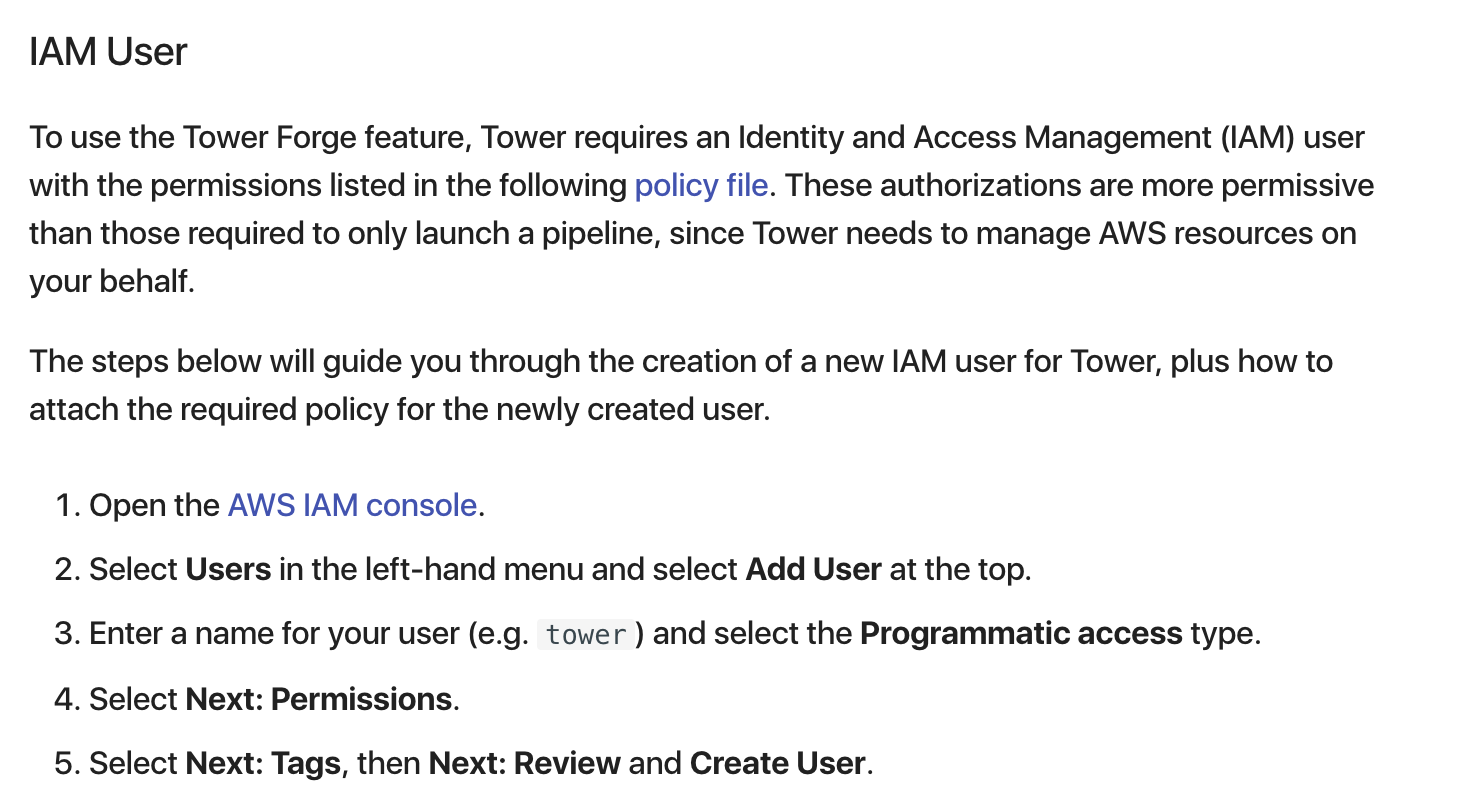
S3 Bucket Example
Monitoring Jobs
From within a running job you can:
- View module status - each step shows a running/complete/failed icon
- Check Execution Log - stdout/stderr streamed in real time
- Inspect individual modules - click any module name to see the exact command, resource usage, and log
Relaunching a Failed Job
- Click the three-dot menu (⋮) on the failed job
- Select Resume
- Update your samplesheet or parameters in S3 as needed
- Click Launch
Running Offline (Local Mode)
For air-gapped environments without internet access, see Running the Pipeline → Offline Mode.
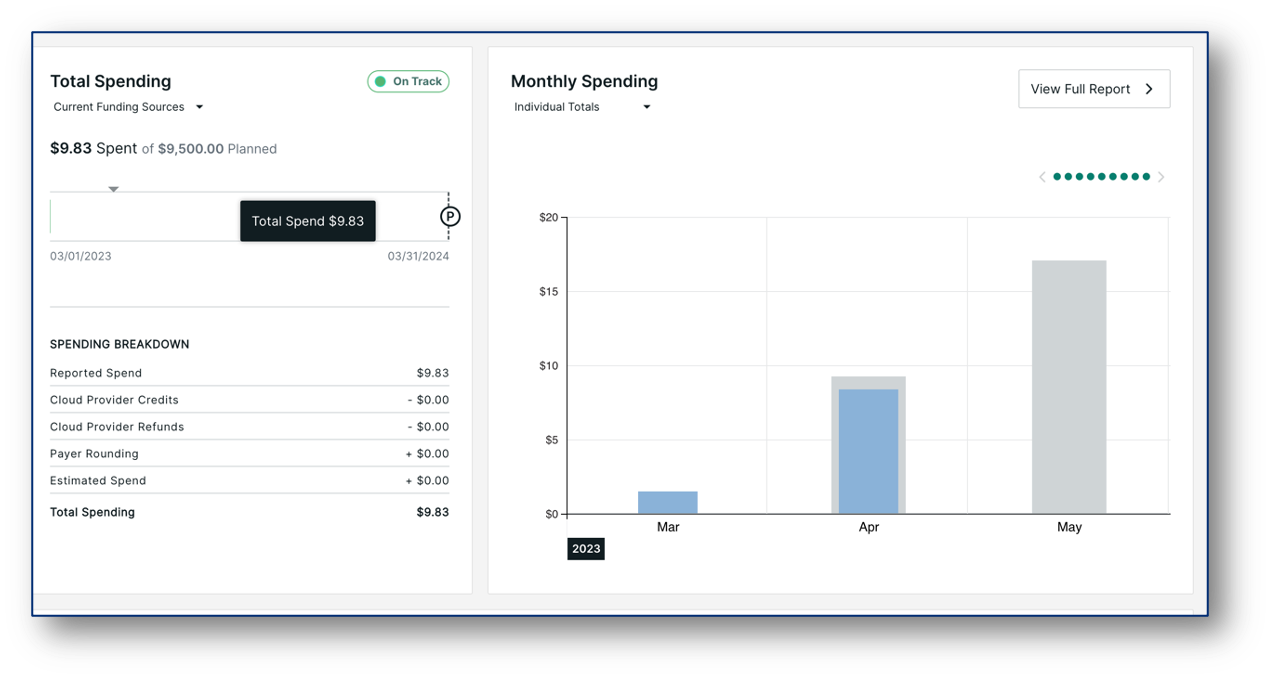
Cost Considerations
- Most compute cost comes from Kraken2 classification and alignment steps
--low_memoryreduces RAM requirements but significantly increases runtime--subsample <N>reduces both cost and runtimestandard8andpluspf8databases offer a good balance between sensitivity and memory cost